
How to get a public IP address
A public IP address is sometimes called a “white” IP. It allows a device to freely access the internet and communicate with other devices that also have a public IP address.
Check whether you have a public IP address
Section titled “Check whether you have a public IP address”Important: connect your computer to the same router as the cameras.
Open your router’s web interface and find your IP address information there.
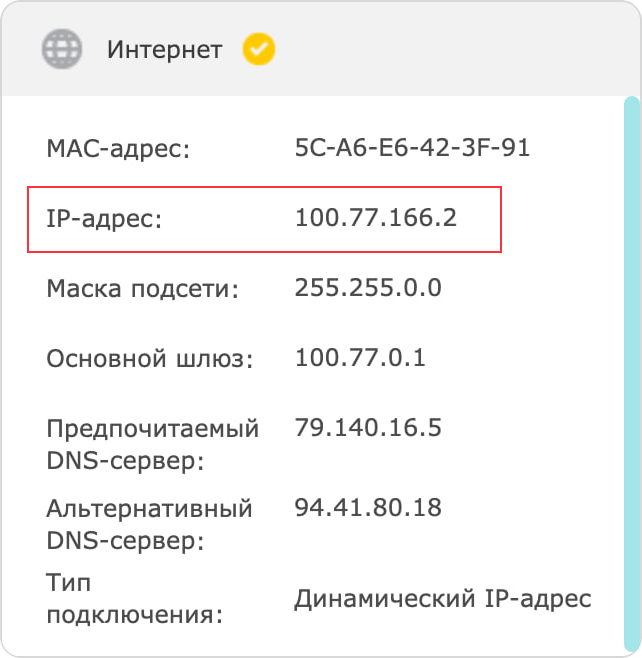
Go to 2ip.ru and compare your IP address with the one shown on the site.
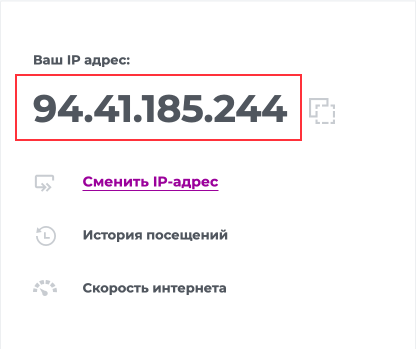
If they match — you have a public IP address.
If they don’t match — you have a private (NAT) IP address.
Get a public IP address from your ISP
Section titled “Get a public IP address from your ISP”In most cases, internet providers offer a static public IP address as a paid service. Contact your internet provider and ask how to get one.