
Quick Archive: how to get instant access to any video segment from the archive?
The Faceter app gives you instant access to any video segment from the archive. Yesterday morning, motion from three days ago, an event from a week ago — no matter when! Just a couple of clicks, a few seconds — and you’re already watching the episode you’re looking for.
How to Use Quick Archive
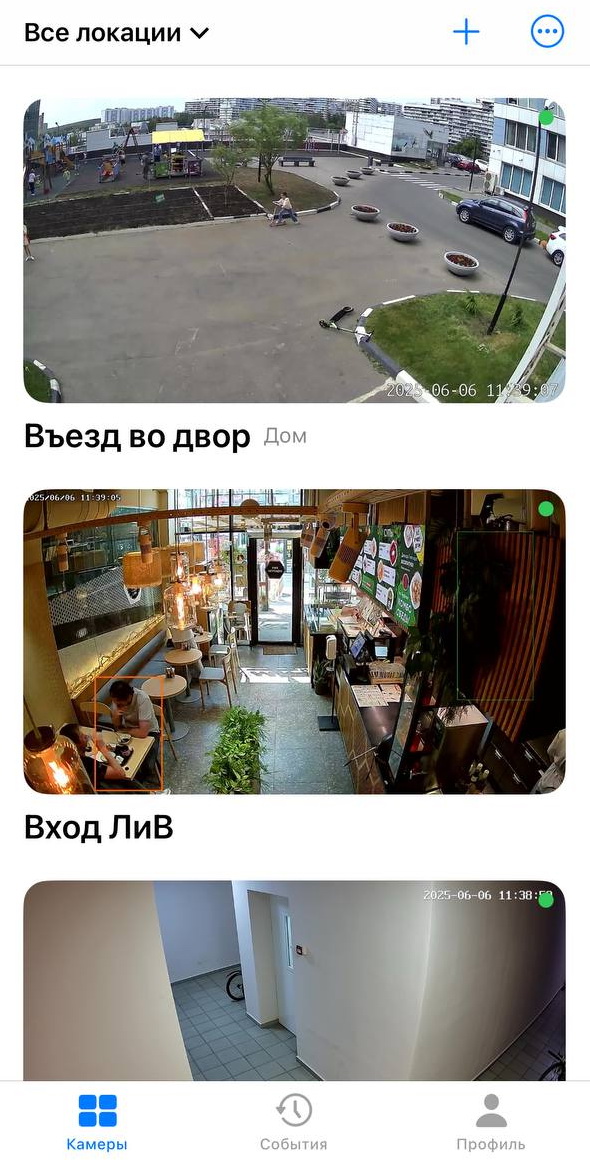
Section titled “How to Use Quick Archive”- Select the required camera from the location list or find it using the text search.
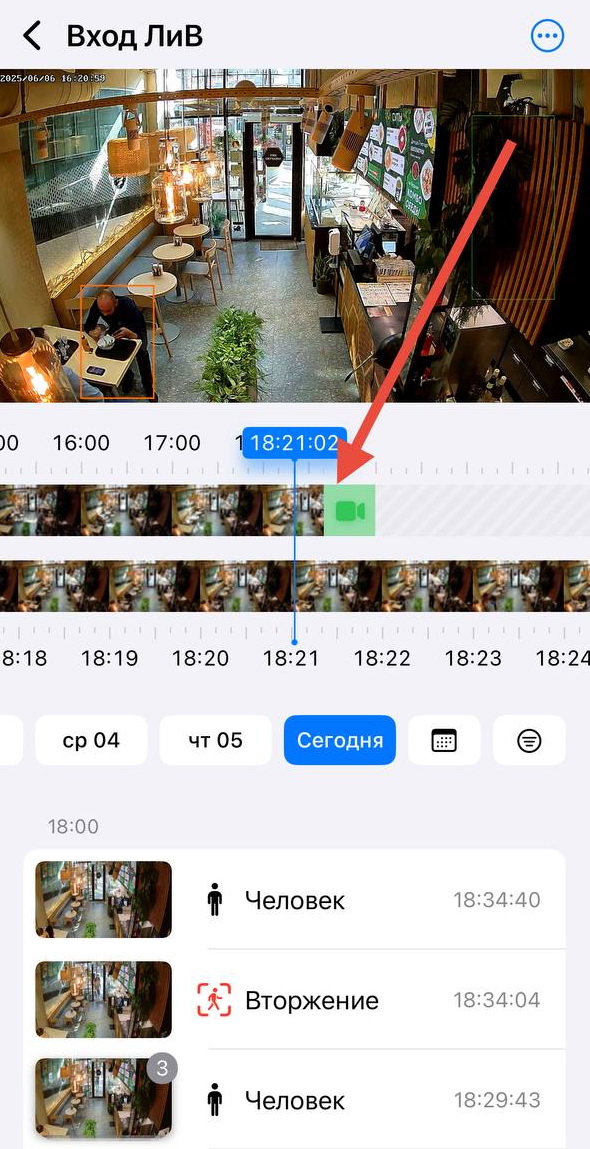
- Find the segment you’re interested in using our unique timeline that combines live and archive;
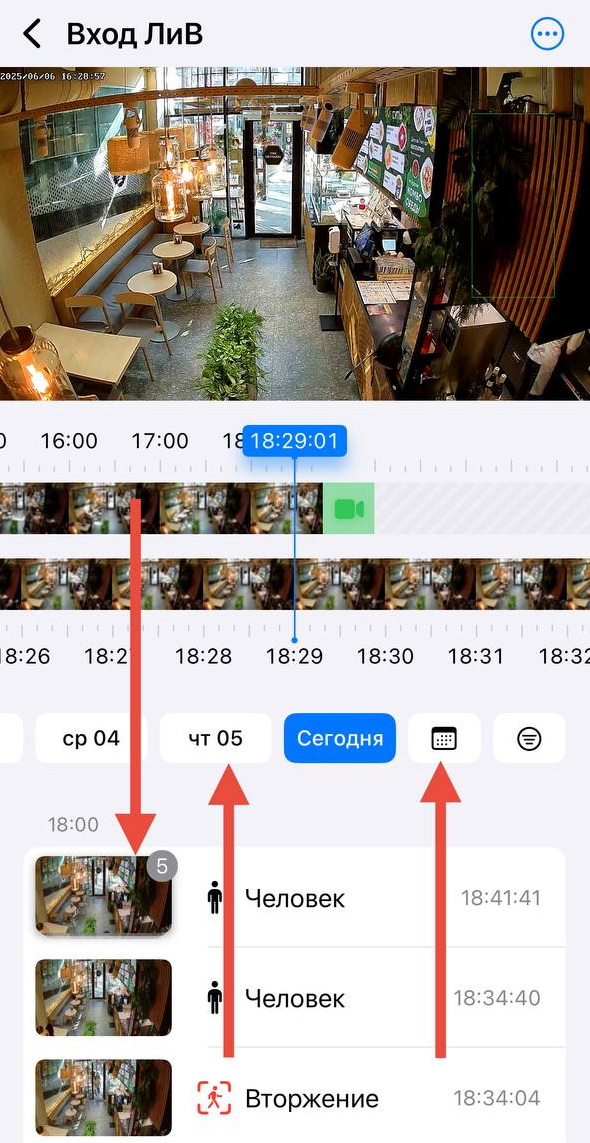
- If needed, apply additional filters: date and event type (Motion, Vehicle, Line Crossing, Intrusion).
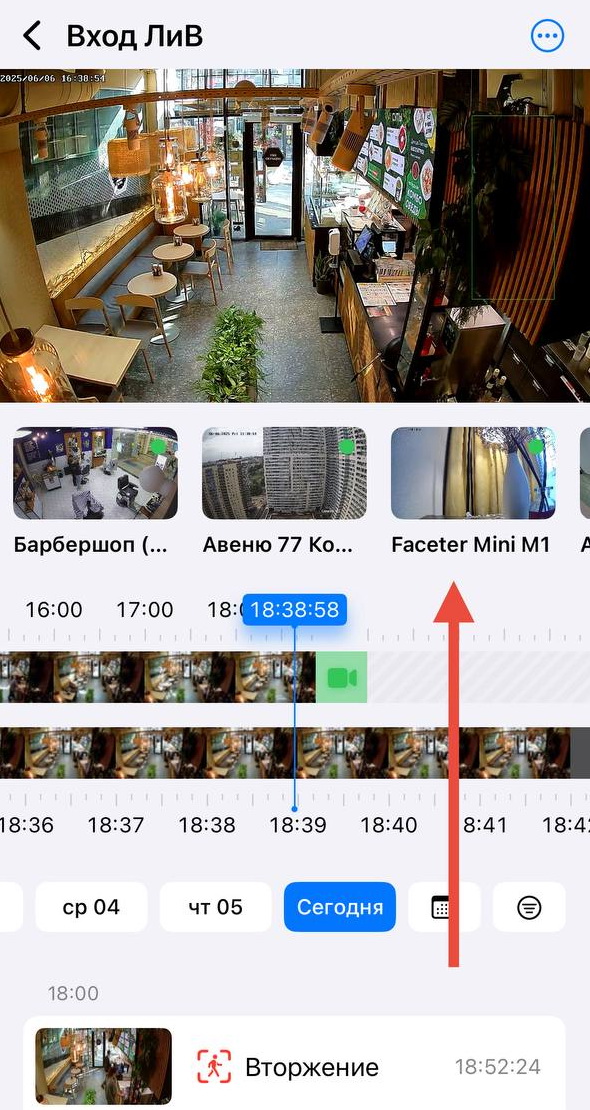
- Quick switching between cameras is also available in camera viewing mode.
We are firm opponents of unnecessary clicks, complex steps, and questionable logic. Every action in our app is as simple and intuitive as possible.
No more separating live footage from the archive: Faceter’s timeline combines both into one seamless experience.