
How to improve detection accuracy?
Incorrect detection settings often lead to false positives (triggered by shadows, glare, or object shapes). To make Faceter smart events work accurately and avoid unnecessary notifications, here are our setup tips:
- In the detection settings, specify the areas of interest to monitor — sensors will only work where it matters.
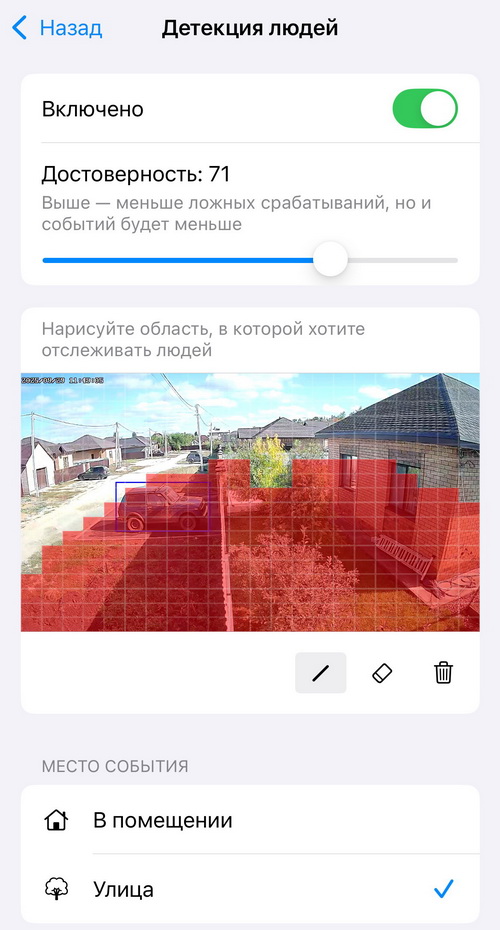
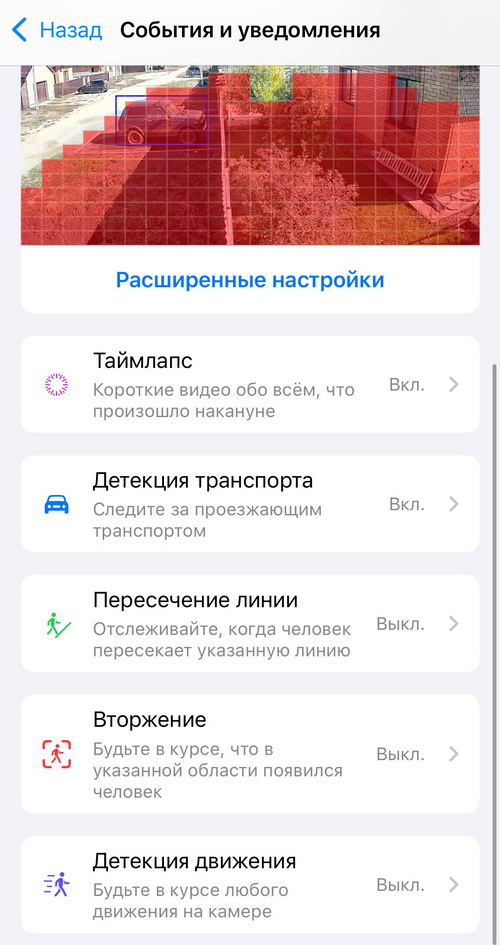
- Choose the right detection type for each situation — Motion, Person, Vehicle, Line Crossing, Intrusion.
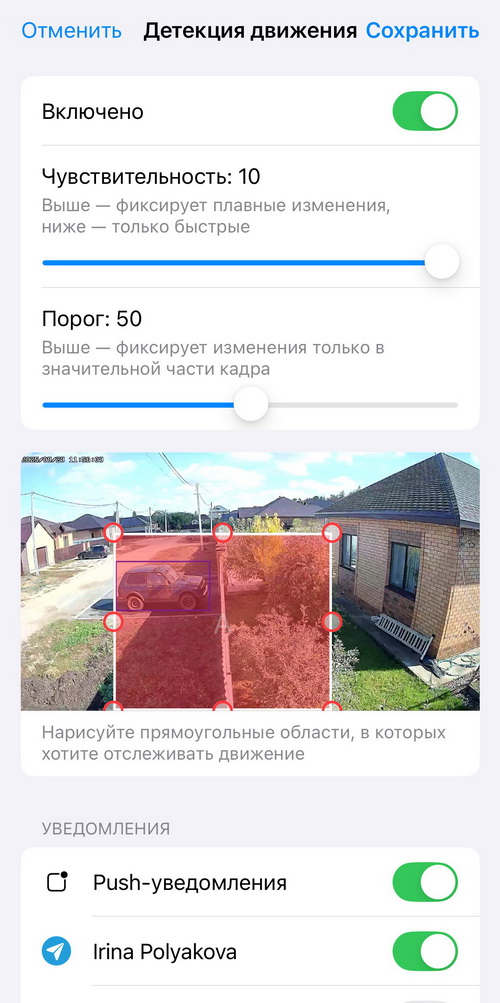
- Adjust the “Threshold”, “Confidence”, and “Sensitivity” parameters in the detection settings.
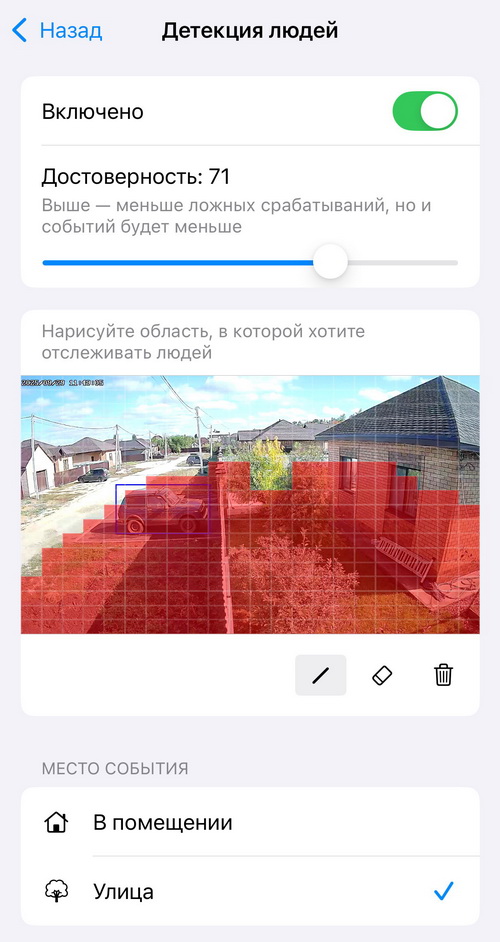
- Select “Indoor” or “Outdoor” mode to help the algorithms analyze the picture more accurately.
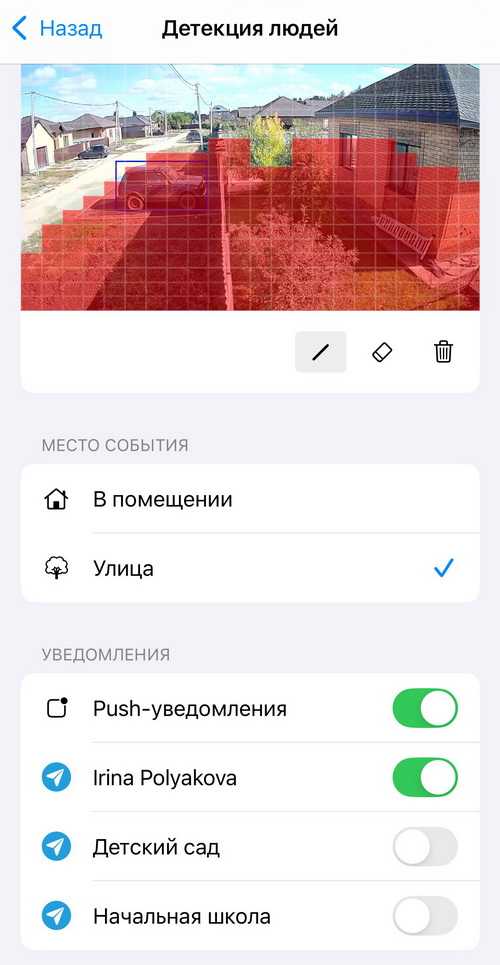
Proper Faceter configuration means fewer false notifications and more control.