
Events: how to use Person, Motion, Vehicle, Line Crossing, and Intrusion labels?
Person, Motion, Vehicle, Line Crossing, and Intrusion — these are the preset event types that our cameras respond to. These labels can be used for quick and convenient searching of a specific footage segment.
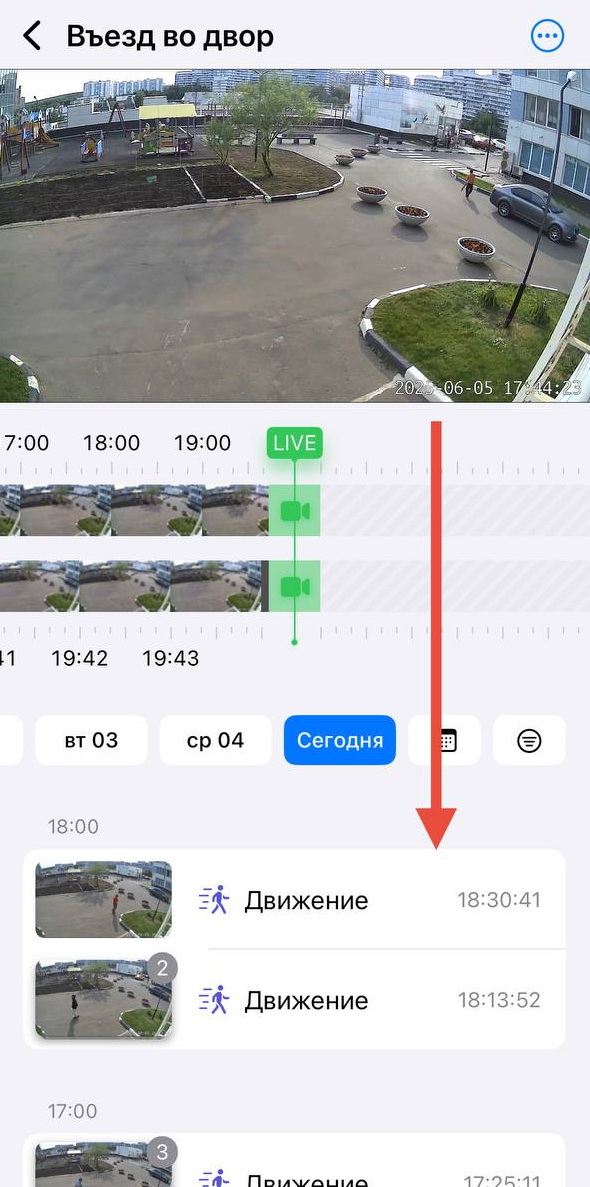
How to Use Events
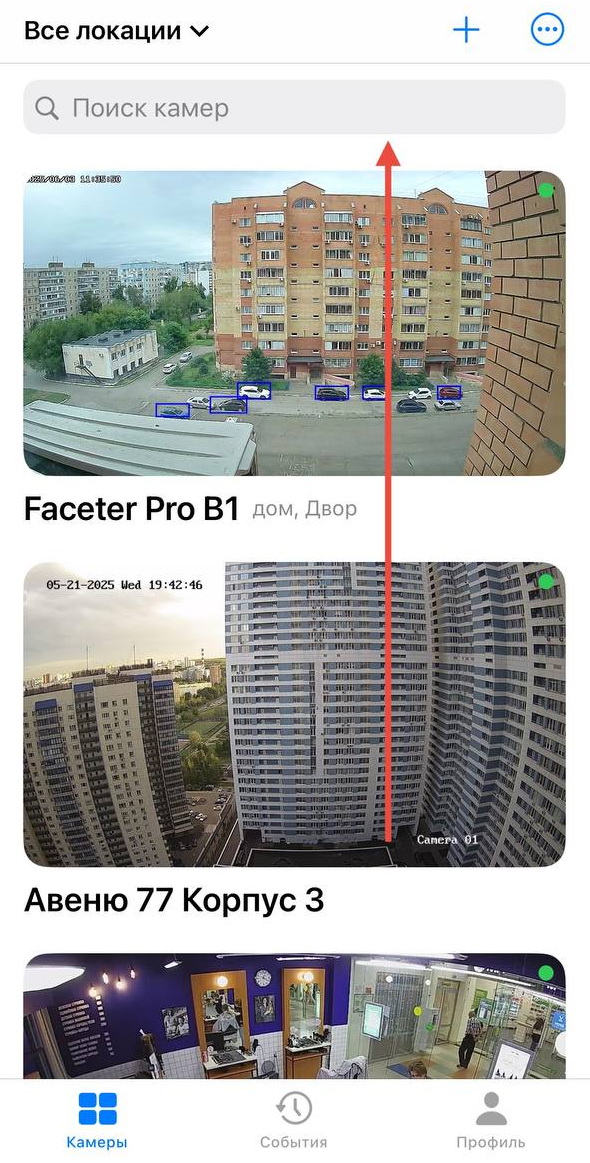
Section titled “How to Use Events”- Select the required camera from the location list or find it using the text search.
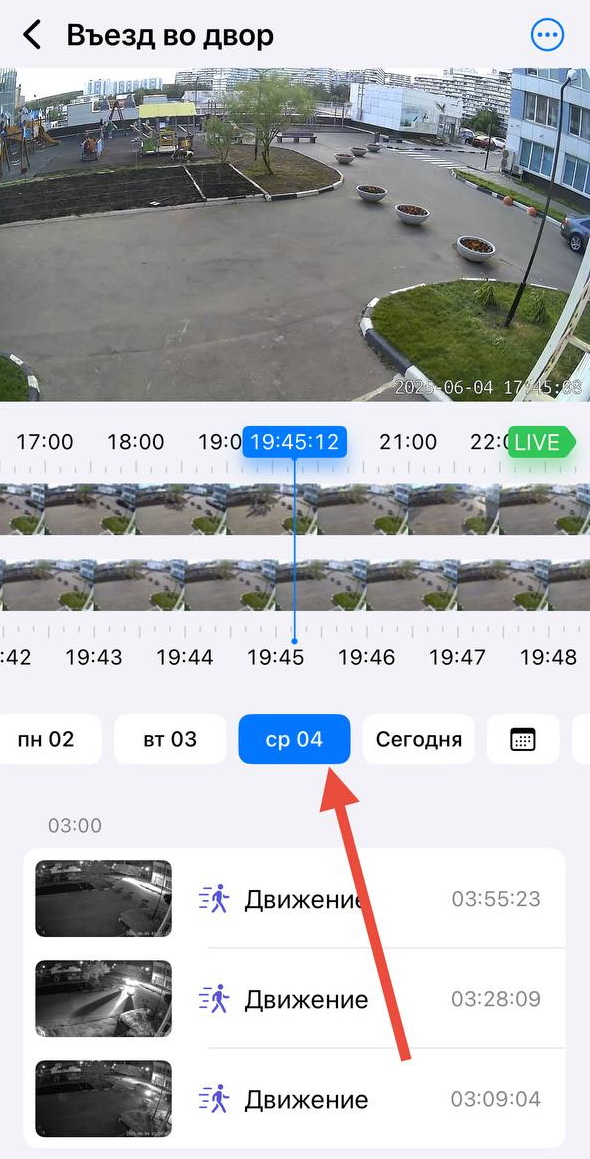
- Use the day-of-week row (for days with available archive).
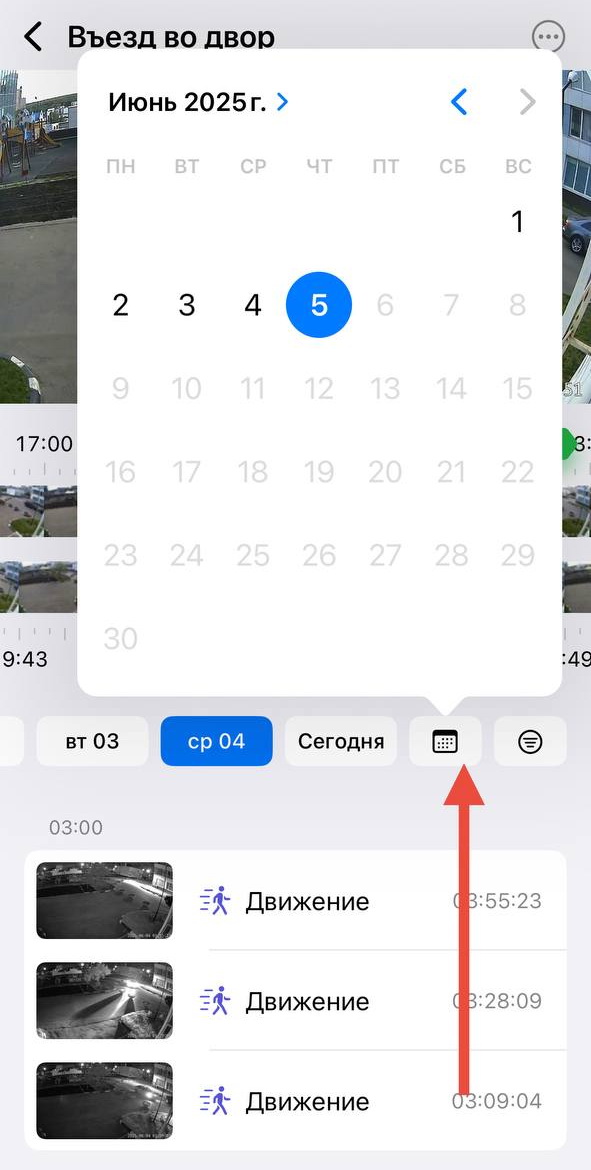
Or select a day from the calendar.
- Use the filter by the type of events you are interested in.
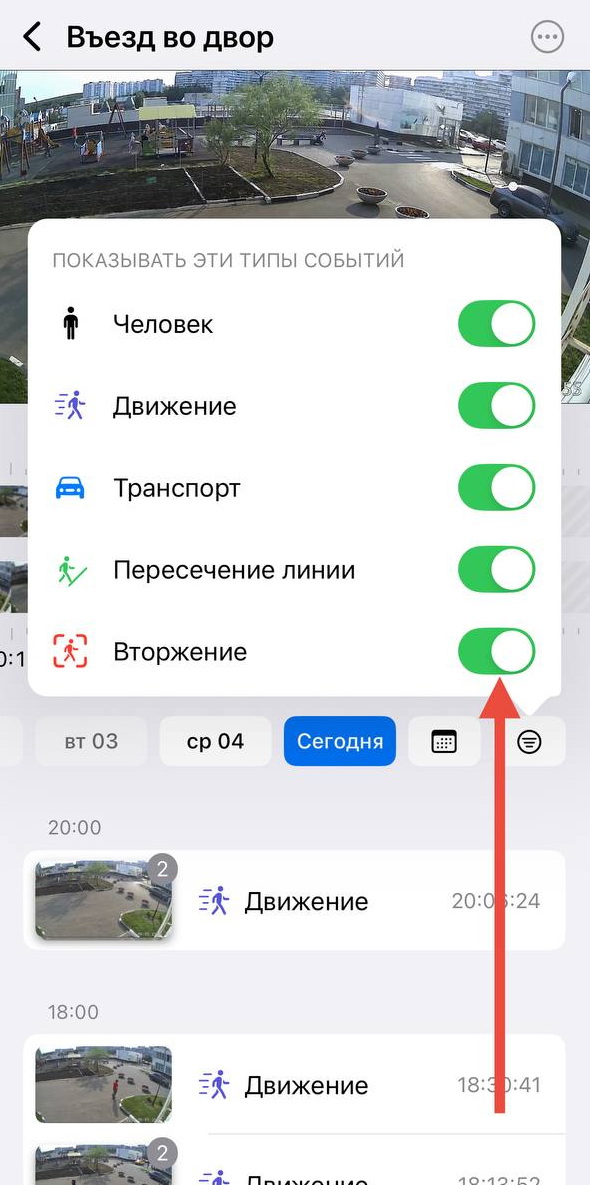
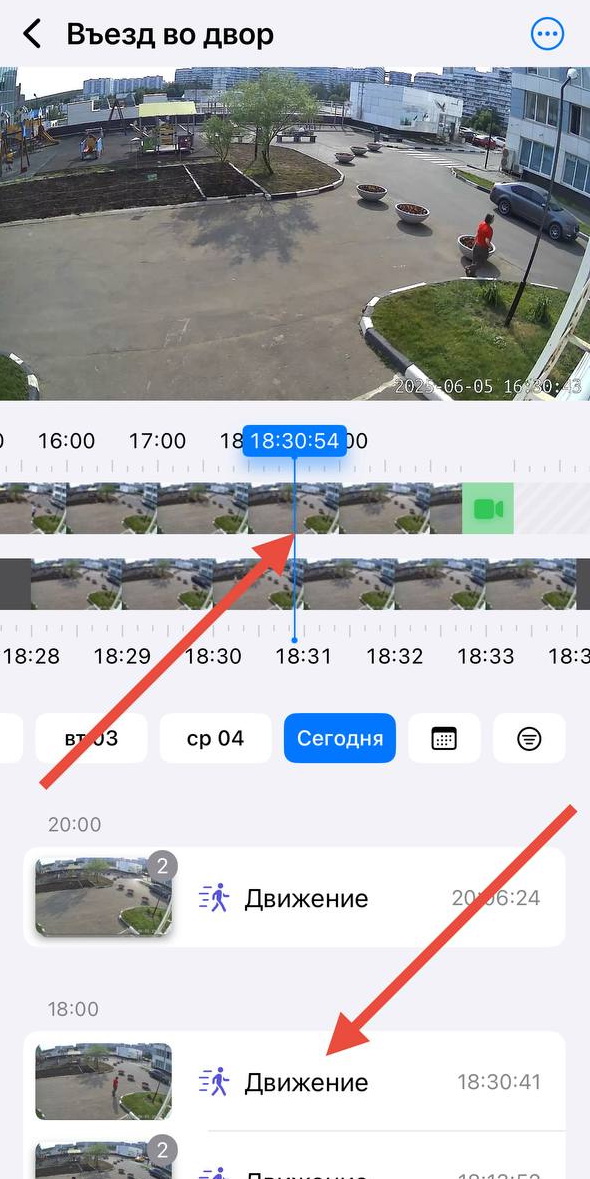
Clicking on any event automatically jumps to that moment on the timeline.
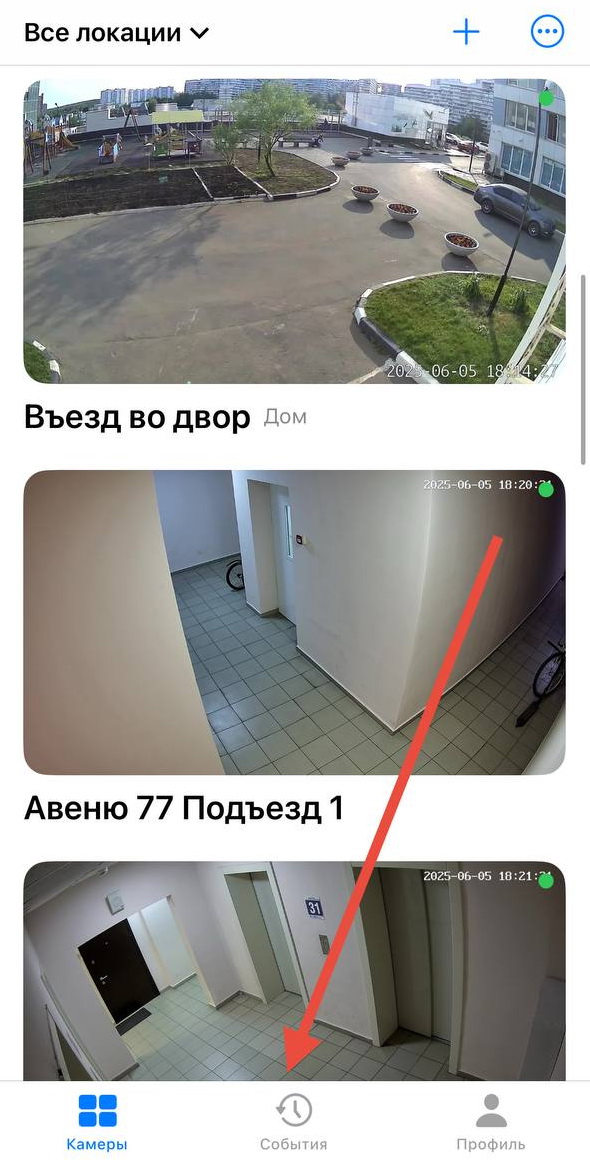
Faceter users also have access to events not just for an individual camera, but for all cameras at once. To search, tap the “Events” button at the bottom of the screen.
We ensure a fast response to key events: finding an important footage segment is just a couple of clicks away.