
How to update the camera firmware and the app?
The latest camera firmware gives you access to all Faceter features and tools: make sure all your cameras are updated to the latest version.
Updating Camera Firmware
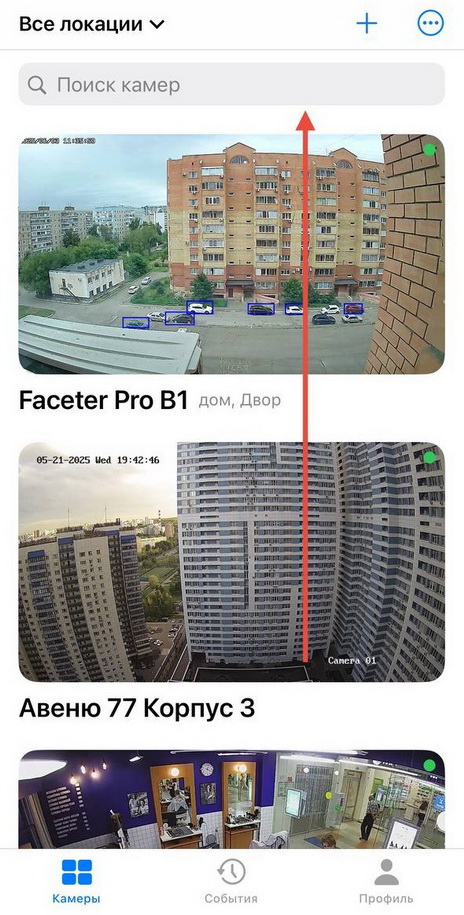
Section titled “Updating Camera Firmware”- Select the required camera from the location list or find it using the text search.
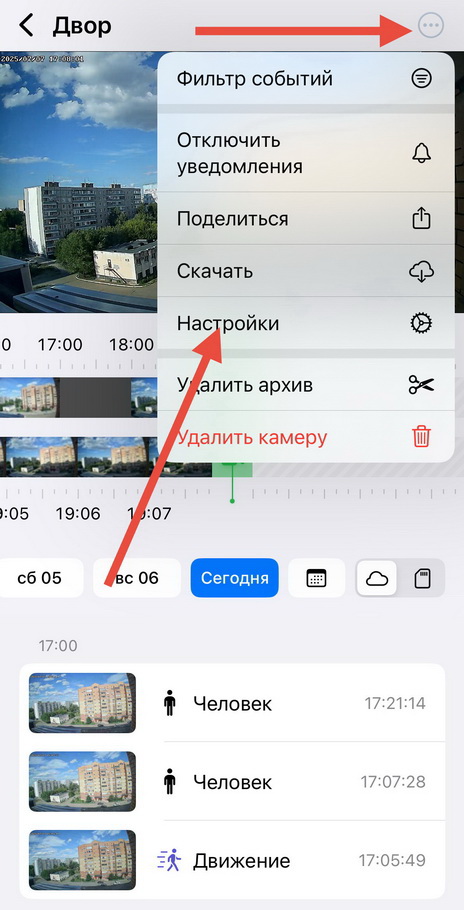
- Open the settings menu (three dots), tap “Settings”.
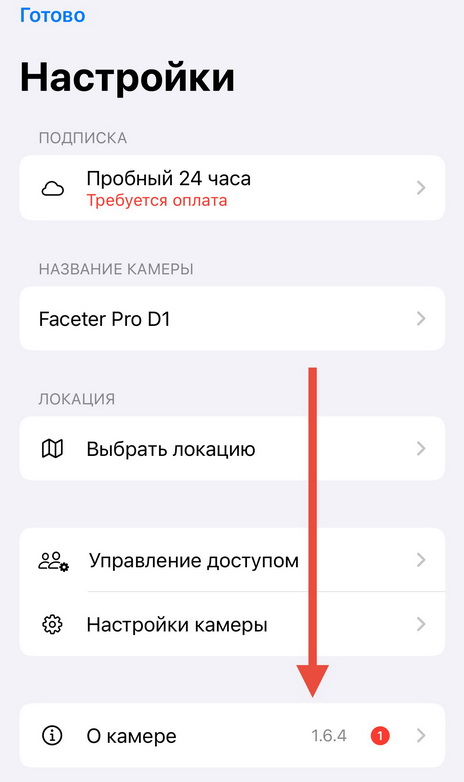
- Select “About Camera”.
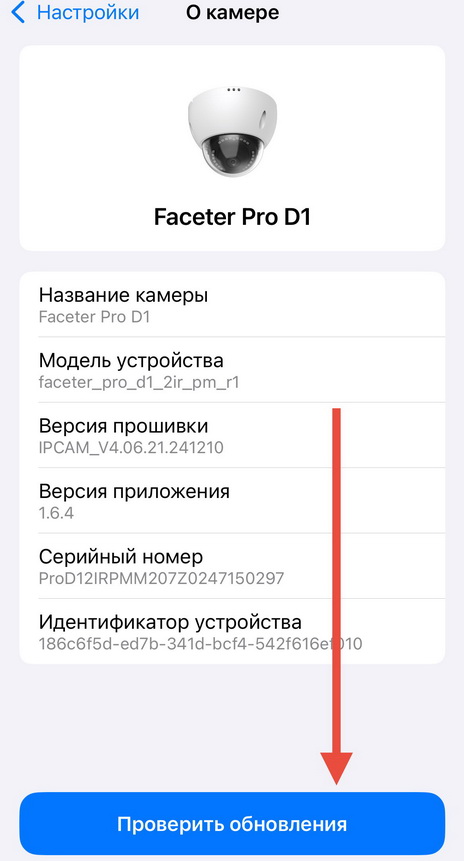
- Tap “Check for Updates”.
- Tap “Update”.
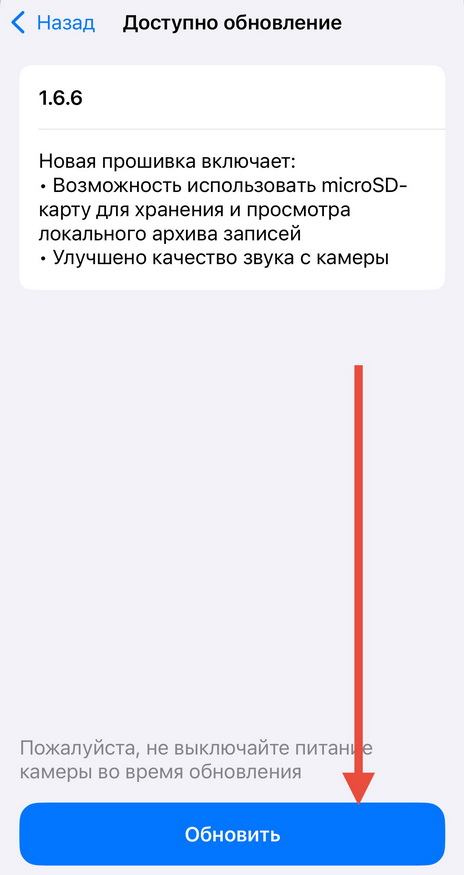
During the update it is important not to disconnect the device from the power supply and to ensure a stable Internet connection.
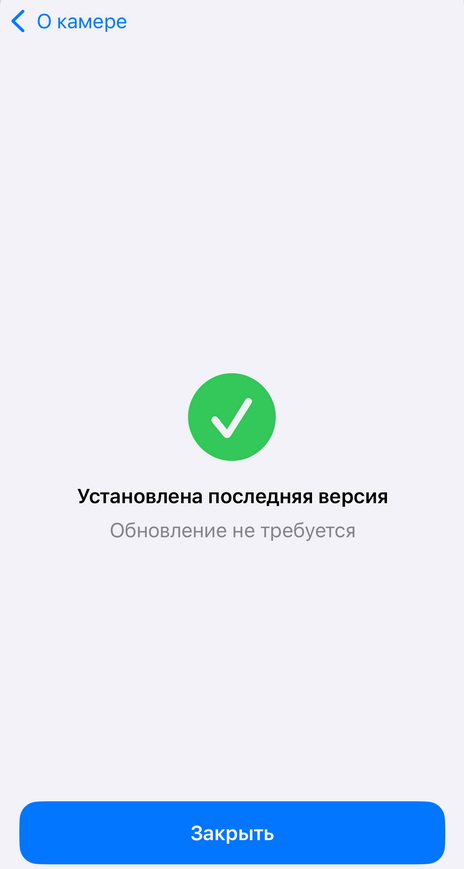
If you already have the latest firmware version installed, you will see a corresponding message on the screen.
Updating the App
Section titled “Updating the App”In addition to keeping the camera firmware up to date, keep the app itself updated as well. You can update Faceter the standard way: through Apple Store for iOS or Play Market for Android.
We recommend enabling automatic app updates so you never miss important new features.